Your favorite textbooks, now interactive and adaptive

Alps turns licensed textbooks into interactive, adaptive editions. Buy one for your whole class right in Alps, with no sales call.
See how buying works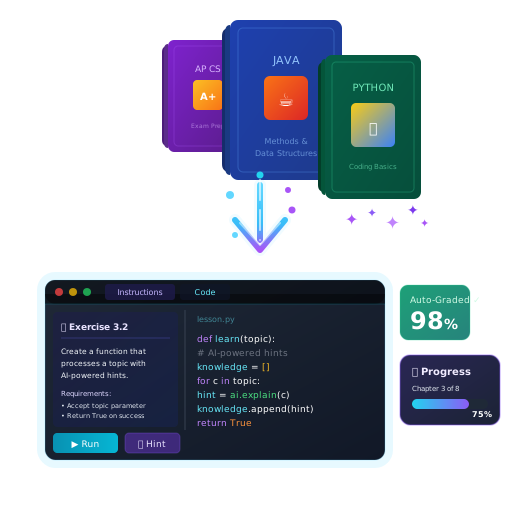
What are licensed books?
Most books on Alps are free. Licensed books are publisher titles usually sold in print or as PDFs. We partner with those publishers on interactive, adaptive editions. You can read a preview in the Library first. Once your school’s license is active, the book shows up in Add curriculum like any other.
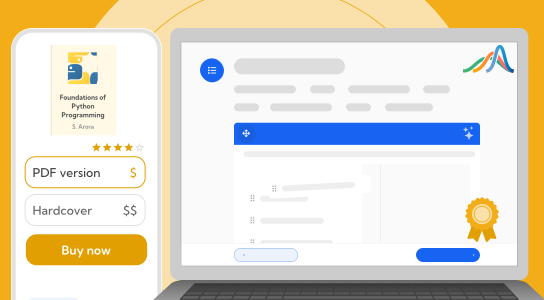
Licensed books on Alps
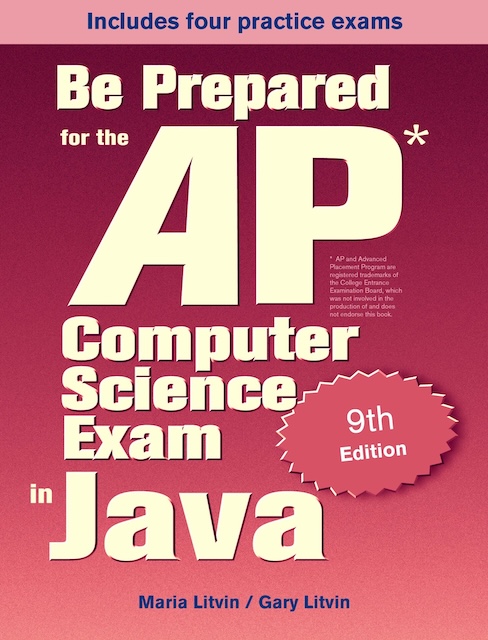
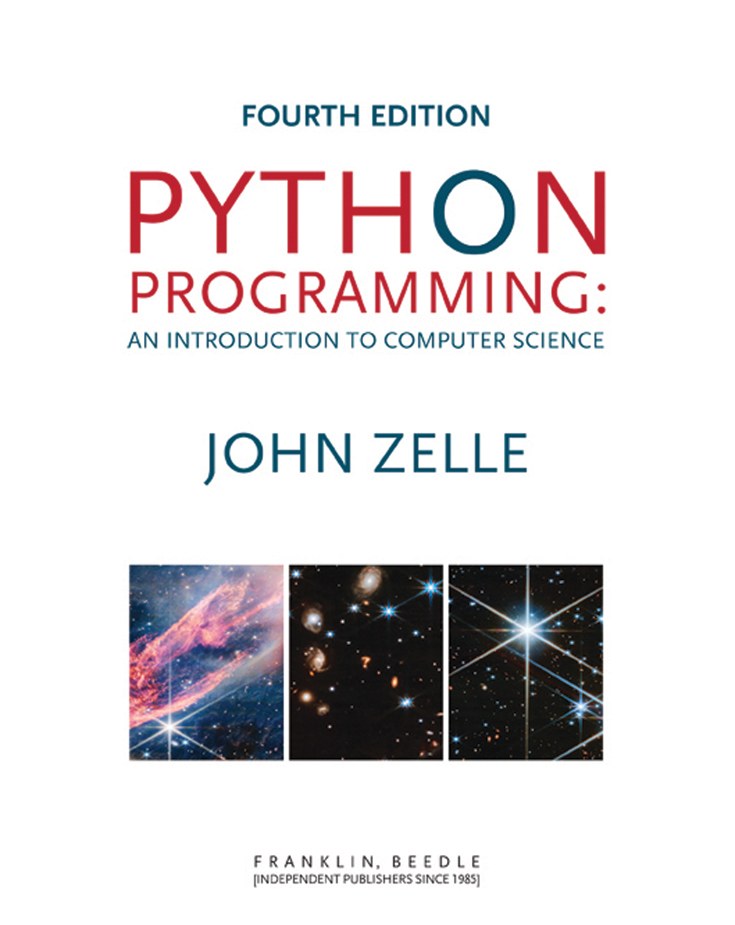
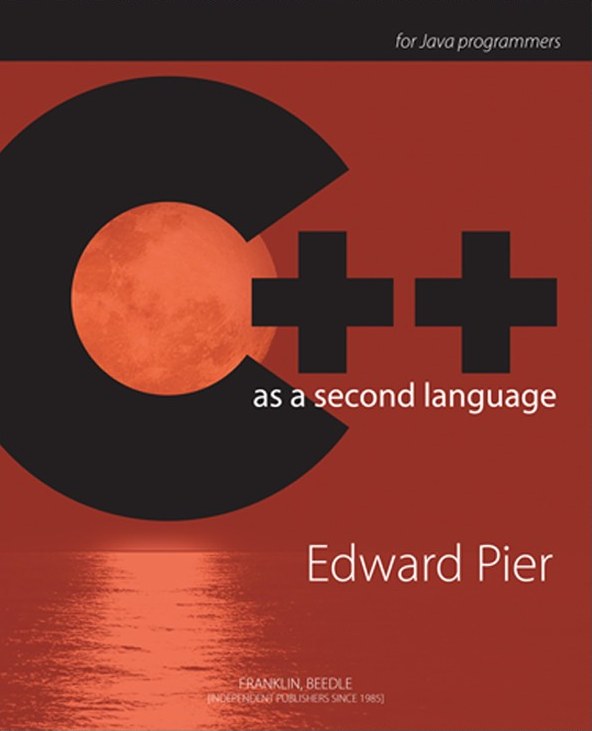
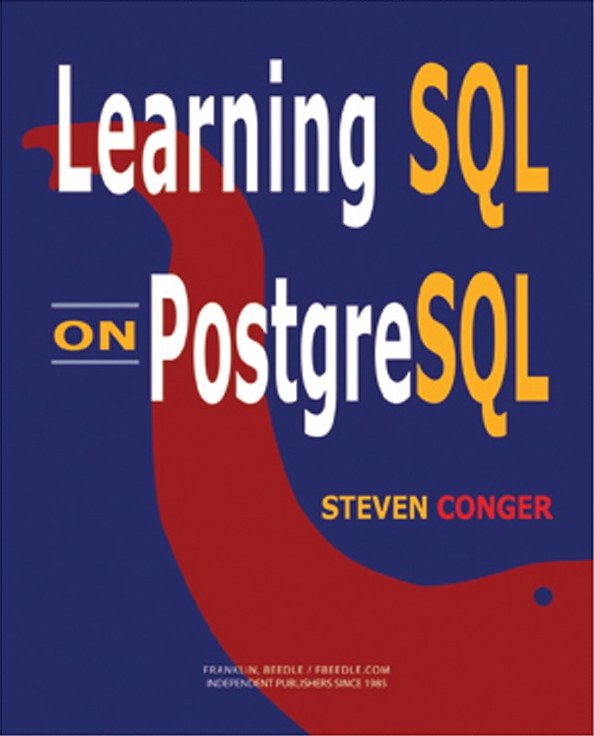
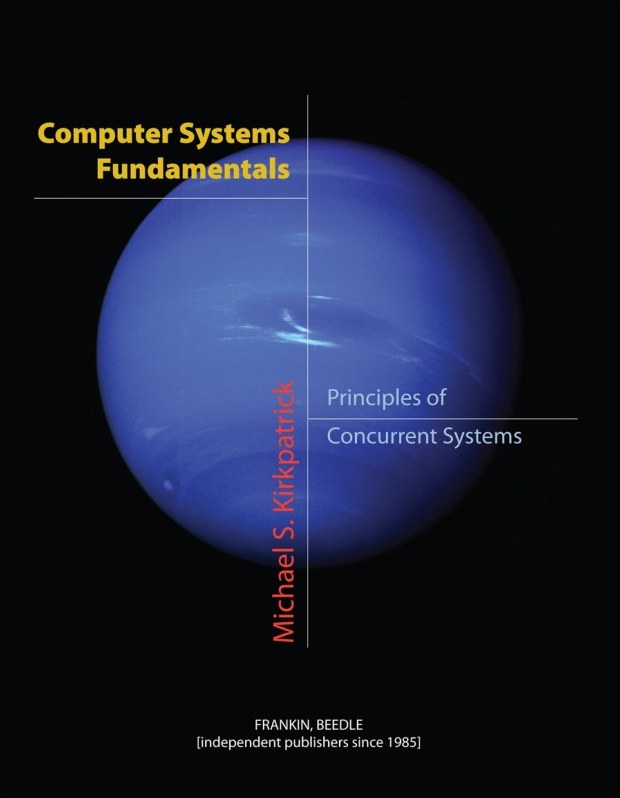
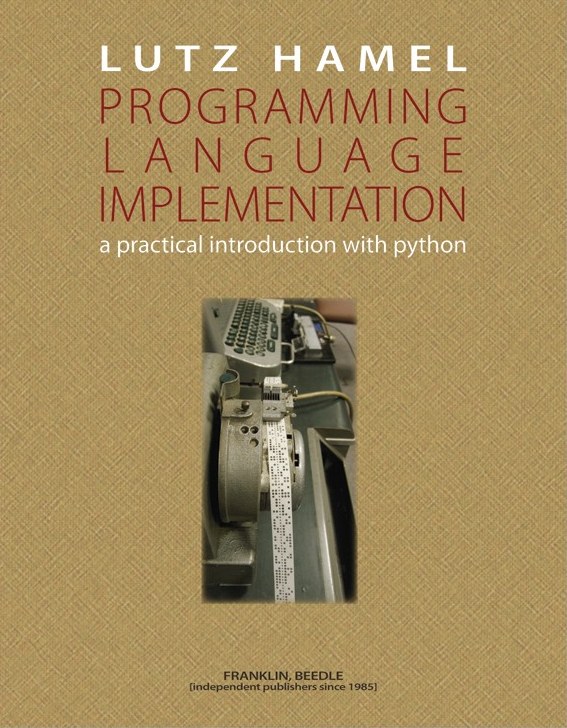
Interactive editions from Skylight Publishing and Franklin, Beedle & Associates
Three ways to buy a licensed book
Teachers and professors can do it themselves in the app, in about a minute.
K-12 teachers
Buy the book for your whole class online.
Open the title in the Library and click Purchase License. Alps prices a quote for your active classes. Share it with whoever approves spending, then turn it into an invoice when you’re ready. In K-12, your school always pays and students are never charged.
Everything opens as soon as the invoice is issued, and you have 30 days to pay, so your class doesn’t wait for it to clear.
Higher-ed professors
Buy for the class, or let students buy their own access.
You choose who pays, right on the quote. If students pay, you never handle the money.
Same three steps as K-12: quote, invoice, and ACH, check, or wire. Every student in the section is covered.
Add the title to your class, and each student unlocks it on their Course Access page with a code from your bookstore. You see counts but never a student’s payment details.
Students redeem an access code bought from your bookstore. No one loses access while a grace period or an assistance request is open.
Campus bookstores
Order codes in bulk and sell them like any other access code.
Email us the title and how many codes you need. We’ll send a bulk quote and an invoice. Once it’s paid, you get your codes. Students redeem them in Alps and the book unlocks right away, with no card needed.
Why use licensed books on Alps?
Your textbook, with interactive exercises and grading built in.
Interactive exercises
Static pages become hands-on coding exercises, quizzes, and interactive visualizations.
Grading built in
Every book gets rubric-based auto-grading, plus performance and engagement data for each student.
Progress tracking
See how each student is doing as they work.
Class management
Assign chapters, track completion, and manage your whole class from one dashboard.
Find your textbook
Open a title in Alps and click Purchase License. A free account prices your classes in seconds.