Scratch-based block coding, with courses and grading built in.
AlpsBlocks is built on the open-source Scratch editor, so it works the way students expect. Alps puts it inside your class: ready courses, assignments and due dates, every save kept, and grading beside the running project.
Teach Creative Computing from the Harvard Graduate School of Education, the Raspberry Pi Foundation’s Scratch Projects, or the built-in Joy of Computing course. Write AlpsBlocks projects of your own, or let students build freely in their Sandbox, all with the sign-in they already use.
Play, build and grade a project
One project from the book, from a student’s first look to your published grade.
A scripted walkthrough with sample students. The editor is AlpsBlocks running the book’s Rock Paper Scissors project.
Three ways to use AlpsBlocks in your class
Start from a course that comes with Alps, write projects of your own, or let students build whatever they like.
Teach a built-in course
Built in
Creative Computing from the Harvard Graduate School of Education and the Raspberry Pi Foundation’s Scratch Projects are on Alps. 2Sigma School’s Joy of Computing comes with Alps too: 53 projects across 14 units, from a first animation to recursion, most with a rubric and a reference solution. Add one to a class and students are building today.
See the coursesWrite your own AlpsBlocks projects
My Activities › Create Activity › Block Project › AlpsBlocks
Build the starting project in AlpsBlocks itself, then add instructions, predictions students answer before they edit, a requirements checklist they see checked off, and a reference solution. Place it in any class. Publish a new version later, and students keep their own work.
Free building in the Sandbox
Sandbox › New Sandbox › AlpsBlocks
Students and teachers start AlpsBlocks projects of their own, outside any coursework. Nothing there is graded, work saves as they build, and students can copy an example you share to start from.
 AlpsBlocks
Familiar blocks, sprites, costumes, sounds, and stage
The blocks, sprites, costumes, sounds and stage work the way students expect, and so do the paint and sound editors. The difference is that it lives in your class: instructions and requirements beside the editor, and every save kept.
- ✓ The same blocks and the same project format as the Scratch editor
- ✓ Requirements check off as students build
- ✓ Work saves as they go, and every save is kept
- ✓ Pen, Music and Makey Makey extensions
- ✓ Runs in the browser, so it works on Chromebooks

Made for a classroom, with no public sharing
Everything a student makes stays in your class.
No accounts to make, no public gallery
Students sign in to Alps the way they already do. There is no separate account and no public sharing.
Media you can use in class
The library carries pictures and sounds whose licenses were confirmed, your course’s own media, and anything students draw themselves.
Bring the projects you already use
When you build a project or a class’s starter, you can start from a Scratch 3 project file (.sb3) you already have.
Students read the code before they write it
Each project can open in play mode first. Students run it, look inside, and predict what it does. Then the editor opens.
-
1 Play it
Press the green flag and watch what it does. Nothing here is saved.
-
2 Look inside
Read the scripts that make it work, without changing them.
-
3 Predict
Answer a few questions about what it will do. Wrong is fine; say why.
-
4 Build
Edit in the full AlpsBlocks editor. Work saves every 15 seconds, and every save is kept.
-
5 Submit
Turn it in. You see it the moment they do.
Two well-loved Scratch curricula, ready for your class
Add either one to a class and students are building that day. Every project opens in AlpsBlocks beside its steps with its starter loaded, students sign in with their school account, and you open any student’s project, running, in a click.
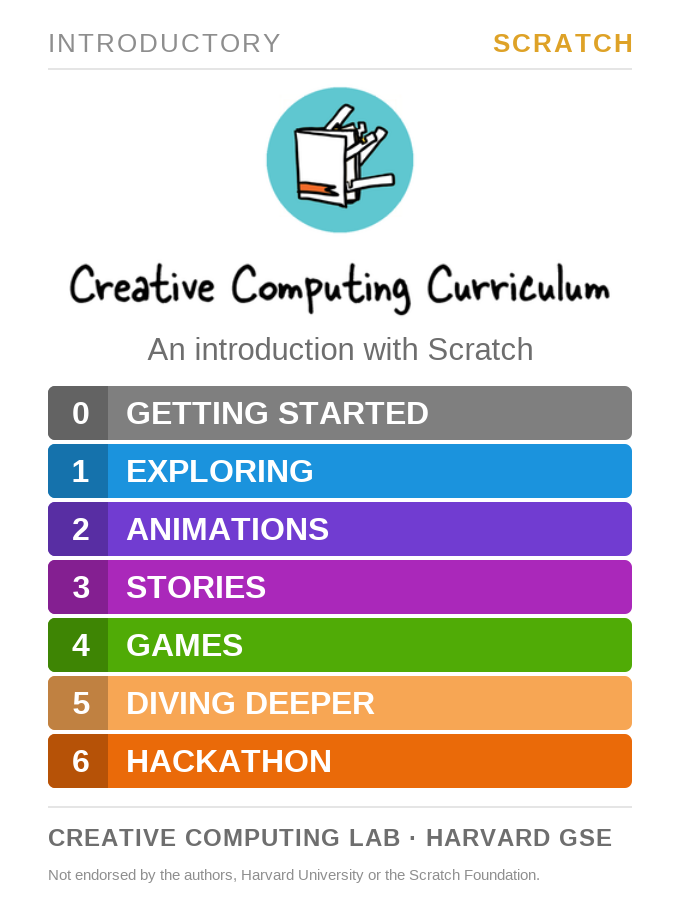
Creative Computing
Creative Computing Lab, Harvard Graduate School of Education
The introductory curriculum built on design and reflection: students explore, then make animations, stories and games.
- ✓ Every starter and Debug It! project is ready to open
- ✓ Students hand in projects with Submit, no studio to manage
- ✓ Reflection prompts are short answers you can read
- ✓ A teacher guide sits beside each activity, out of students’ view
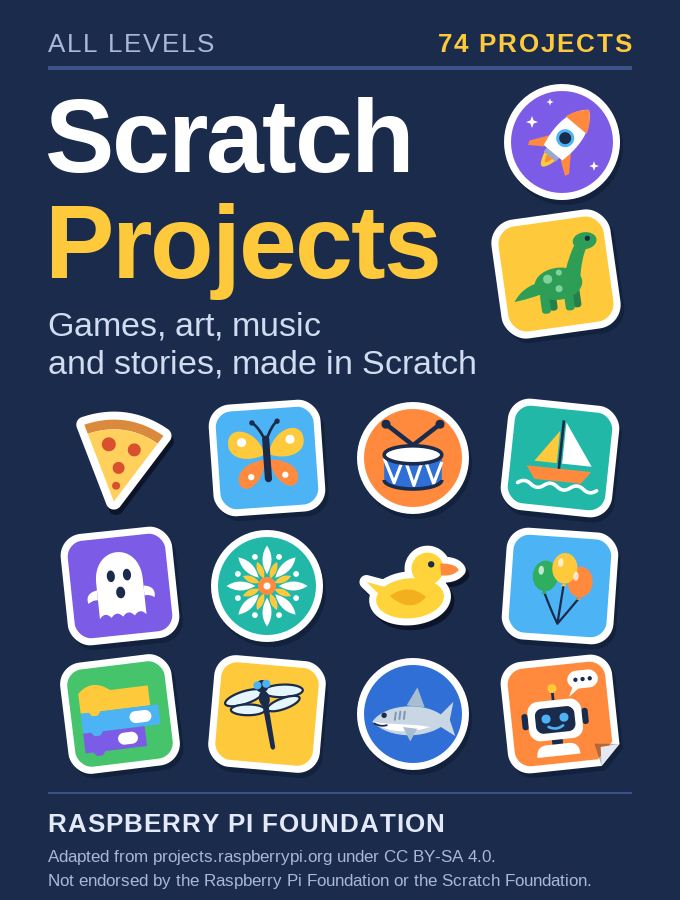
Scratch Projects
Raspberry Pi Foundation
74 step-by-step projects: five learning paths that start with Introduction to Scratch, then beginner to advanced projects.
- ✓ Each project opens with its starter, beside the steps
- ✓ Quiz questions give the Foundation’s own feedback
- ✓ Most finished projects play on the page, so students see what they will make
- ✓ Projects span games, art, music, stories and wellbeing
Alps editions, adapted under each book’s Creative Commons license. Not endorsed by the Creative Computing Lab, Harvard University or the Raspberry Pi Foundation.
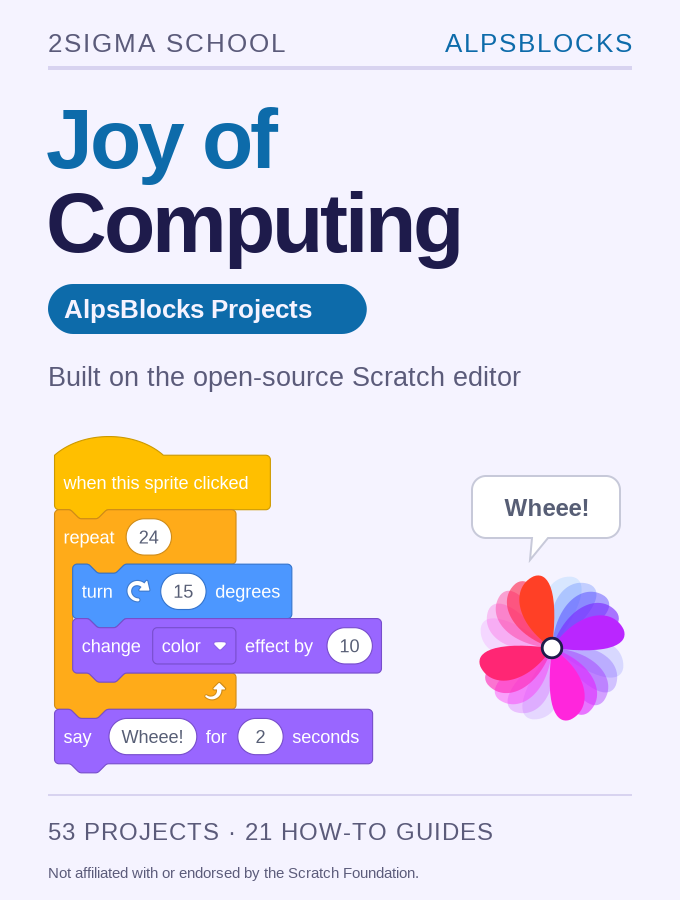
53 projects · 21 how-to guides
Joy of Computing: AlpsBlocks Projects
The same project course as the Snap! edition, built for AlpsBlocks: games, art, music and stories, each project building one idea on the last, from a first animation to recursion.
In every project
- ✓ Objectives, and step-by-step instructions with pictures
- ✓ A starter project students build from
- ✓ A reference solution, on most projects
- ✓ A rubric you score in one click per criterion, on most projects
Choose an edition
Choose AlpsBlocks when students already know the blocks from the Scratch editor and you want them building on day one. Choose the Snap! edition to go further, into blocks that report values and map and keep over lists.
Projects such as Rock Paper Scissors, Flying Dinosaur, Space Invaders, Flower Garden and Tree Recursion. See the whole library.
AlpsBlocks books on the shelf
Creative Computing and the Raspberry Pi Foundation’s Scratch Projects are ready to teach, and so is Joy of Computing, which comes with Alps. We also bring your own block-based course into Alps with its content intact.
Grade a whole class without leaving the project
Open any student’s project running, score it beside the work, and move to the next student in one click.

Try it yourself first
Every project in the book opens as your own copy, so you can build it before your students do. View solution opens the reference solution; students never see it.
Move through the class
Projects open read-only and running, just as the student left them. ‹ Prev and Next › name the student they open. Submitted work comes first, and students who haven’t started are skipped.
Score the rubric beside the work
Click a level for each criterion and the total updates as you go. Take a suggested level or pick your own, and review any grade Alps AI gave before it counts. Publish, and the grade reaches the Gradebook and your LMS.
Replay every saved version
Every save is kept. Play a student’s versions back, compare any two, or restore an earlier one. Restoring never removes anything.
Help inside their project
Change a student’s project to help them continue, and leave a note on why. They keep their own version, and yours becomes the newest.
See who is working, live
During class, Live Activity shows who is building, who is reading and who has stopped, so you know whose project to open first.
AlpsBlocks is a fork of the open-source Scratch editor. It is not an official Scratch product, and is not affiliated with or endorsed by the Scratch Foundation. Scratch is developed by the Scratch Foundation and its partners and affiliates. See https://scratch.org/.
Some pictures in the projects shown are from the Scratch 1.4 media library, used under CC BY-SA 3.0, and the Scratch 2.0 media library, used under CC BY-SA 2.0; edited copies are shared under the same license. Scratch is a project of the Scratch Foundation, in collaboration with the Lifelong Kindergarten Group at the MIT Media Lab (scratch.mit.edu). Some characters are by Kenney, released under CC0.
Bring AlpsBlocks to your class
Start with Joy of Computing, write your own project, or open a Sandbox. Grading sits beside each project.