Jupyter notebooks.
No servers required.
Your students run full Jupyter notebooks in the browser, with NumPy, Pandas, Matplotlib, Plotly, and Panel ready to go. Each student gets their own kernel in seconds.
No JupyterHub, no containers, no IT tickets. Notebooks sit right in the course, next to readings, exercises, and the tutor.
Notebooks Live Inside the Textbook
Code cells, rich narrative, terminal output, inline plots, file uploads, and interactive widgets — all on a single page alongside the curriculum. No separate app, no context-switching.
Spend your time teaching, not fixing servers
Your students open a notebook and start coding. There’s nothing to install, and no files to collect.
No servers to run
No JupyterHub, Docker, or cloud compute. Python runs right in each student's browser.
Auto-grading built in
Unit tests show pass or fail right in the notebook. Results go straight to the gradebook, no nbgrader needed.
See every student’s work
Pick any student to see their notebook, code and output included.
Progress analytics
Track runs, attempts, and time spent. Catch a stuck student early.
Part of the course
Notebooks sit right next to readings, exercises, and tutoring.
Secure by default
Code runs in a browser sandbox. It can’t reach the operating system or other students’ work.
Full Jupyter notebooks.
Nothing to install.
Your students run cells, see plots, and use a terminal on any Chromebook, tablet, or school PC.
See output as the code runs
Output streams live, and input() works just like it does in a local terminal.
- ✓ Students type answers to prompts directly
- ✓ A Stop button halts runaway code instantly
name = input(f"Student {'{'}i+1{'}'}: ")
print(f"Hello, {'{'}name{'}'}!")
Hello, Alice!
>>> Student 2: _
See exactly what changed
Students compare their edits with the starter code, line by line. Teachers see the same view.
- ✓ Edits save automatically, with no manual submit step
- ✓ Reset to the starter code in one click
- ✓ IPython magics like %pip, %timeit, and %who work out of the box
See any student’s work in one click
Pick a student and see their notebook as it stands, with code and output. No files to collect.
- ✓ Live progress shows who finished which cells
- ✓ Built-in grading with rubrics
- ✓ Each role sees its own tools: students edit, teachers grade
Reviewing a notebook page? Student Journey shows how every cell on it was written.
Adjusted Gross receipts in millions of dollars. Use np.round to retain only two decimal places.
# millions = top.select(0).with_columns(...)
# millions
Select a learner from the dropdown to view their work.
Load data from files, Drive, or the web
Use the data that comes with the course, or bring your own from a file, Google Drive, or a web link.
- ✓ Course data files are already loaded
- ✓ Open Sheets and CSVs straight from Google Drive
- ✓ Upload CSV, JSON, and other files from your computer
# Securely load CSV and Spreadsheet from Google Drive
df = pd.read_csv("https://drive.google.com/file/d/1.../view")
df.head()
| name | score | grade | |
|---|---|---|---|
| 0 | Alice | 92 | A |
| 1 | Brian | 78 | B+ |
| 2 | Carmen | 85 | A- |
| 3 | David | 64 | C |
Build interactive apps in the notebook
Students build with ipywidgets, Panel, and language model APIs, and see the results live.
- ✓ Sliders, dropdowns, and buttons from ipywidgets respond in real time
- ✓ Panel dashboards and chatbots run live in the output
- ✓ Intro to Generative AI course included, covering chatbots, prompt engineering, and RAG
reply = get_completion(msg.value)
log.object += f"<b>You:</b> {'{'}msg.value{'}'}\n<b>Bot:</b> {'{'}reply{'}'}\n\n"
app = pn.Column("## OrderBot",
pn.Row(msg := pn.widgets.TextInput(), pn.widgets.Button(name="Send", on_click=on_send)),
log := pn.pane.Markdown(""))
- Margherita — classic cheese and tomato
- Pepperoni — pepperoni and cheese
- Veggie Delight — peppers, onions, olives
- BBQ Chicken — BBQ sauce, chicken, onions
Would you like to order one of these?
Every cell on the page in one view
A notebook page can have a dozen cells. Student Journey shows you which one a student struggled with, and opens it.
A scripted walkthrough with sample data, not live student work. Teachers use these same panels.
Replay how each cell was written
Other platforms keep versions of a file. Alps keeps the history of every cell.
Know where to look first
- ✓ See which cells ended on an error, were never re-run, or recovered
- ✓ Every code cell on the page in one view
- ✓ Open any cell’s replay in one click
Your own history, one click away
- ✓ Replay any cell to find the moment it last worked
- ✓ Replays never change your live code
- ✓ Cells you add count as part of your work
Every Alps coding activity has the same replay. See Process Insights
Full textbooks, ready to assign
Assign a notebook and your students are coding in minutes. No setup, and no files to hand out.

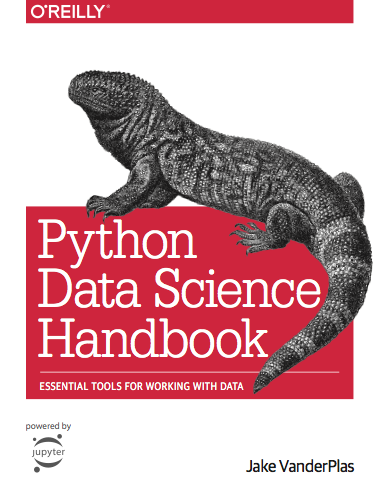

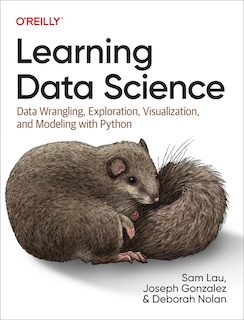

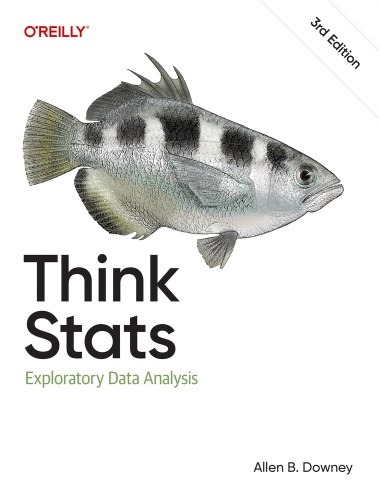
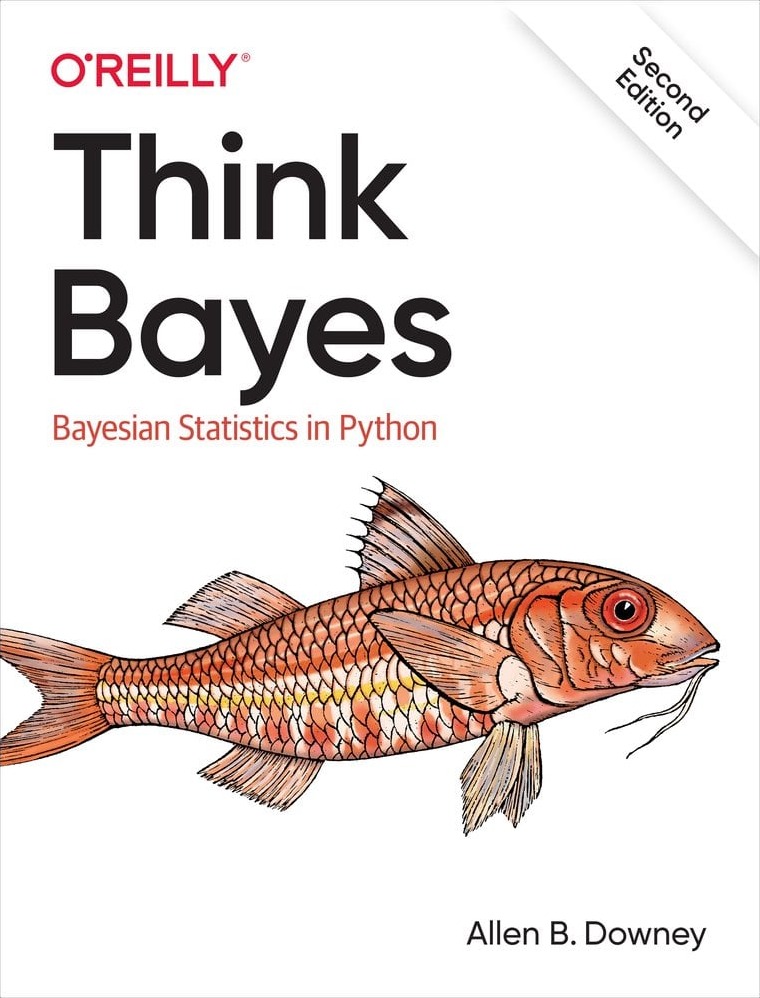
Have your own Jupyter Book? Our team can bring it onto Alps. Its Python cells run right in the browser, unless a cell needs a library the browser can’t load. See how a book gets onto Alps.
Built for teaching
See how notebooks on Alps compare with a traditional Jupyter setup.
| Feature | Alps | Other platforms |
|---|---|---|
| No setup: open a browser and start coding | ||
| Works on Chromebooks and tablets | ~ | |
| No kernel cost per student | ||
| ~2 second kernel startup | ||
| See any student’s work in one click | ||
| Notebooks built into the course | ||
| Progress analytics and attempt tracking | ||
| Student Journey: every cell on a notebook page in one view | ||
| Replay of how each cell was written | ~ | |
| Line-by-line diff against the starter code | ||
| Secure browser sandbox with no OS access | ~ | |
| Upload files or open them from Google Drive | ~ | |
| NumPy, Pandas, Matplotlib, Plotly | ||
| ipywidgets with real-time callbacks | ||
| IPython magics (%pip, %timeit, %who) |
Bring notebooks to your data science class
Notebooks that run in the browser, with grading and progress tracking built in.